Productionservice
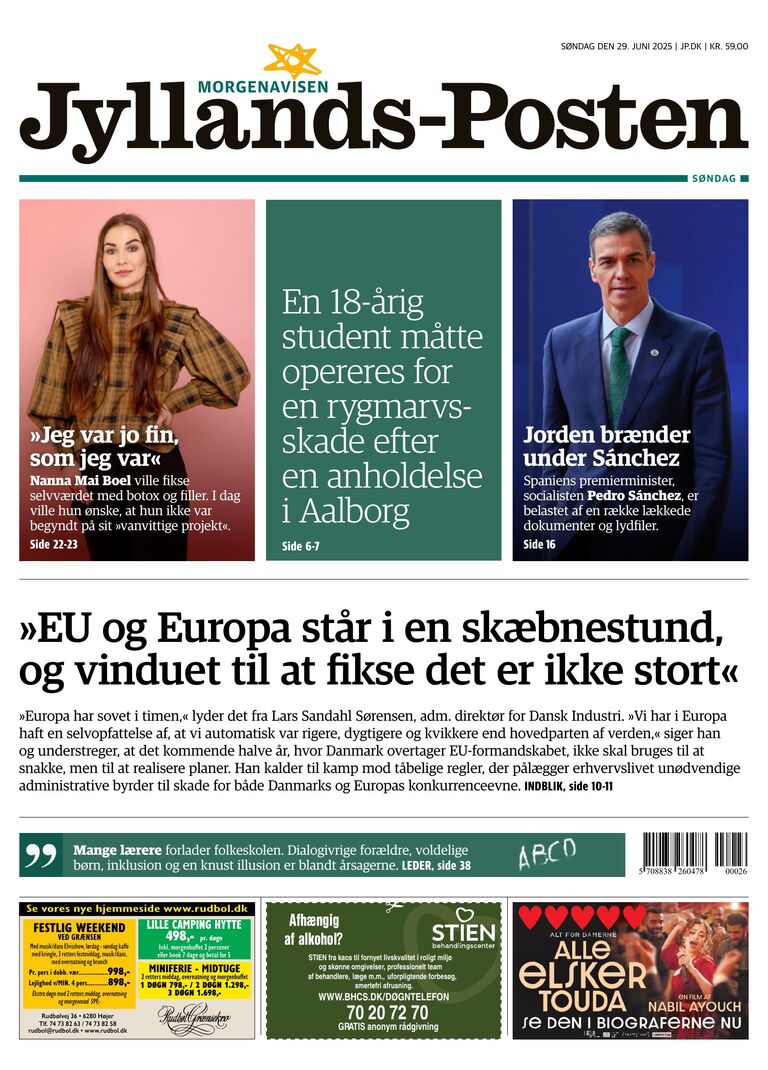
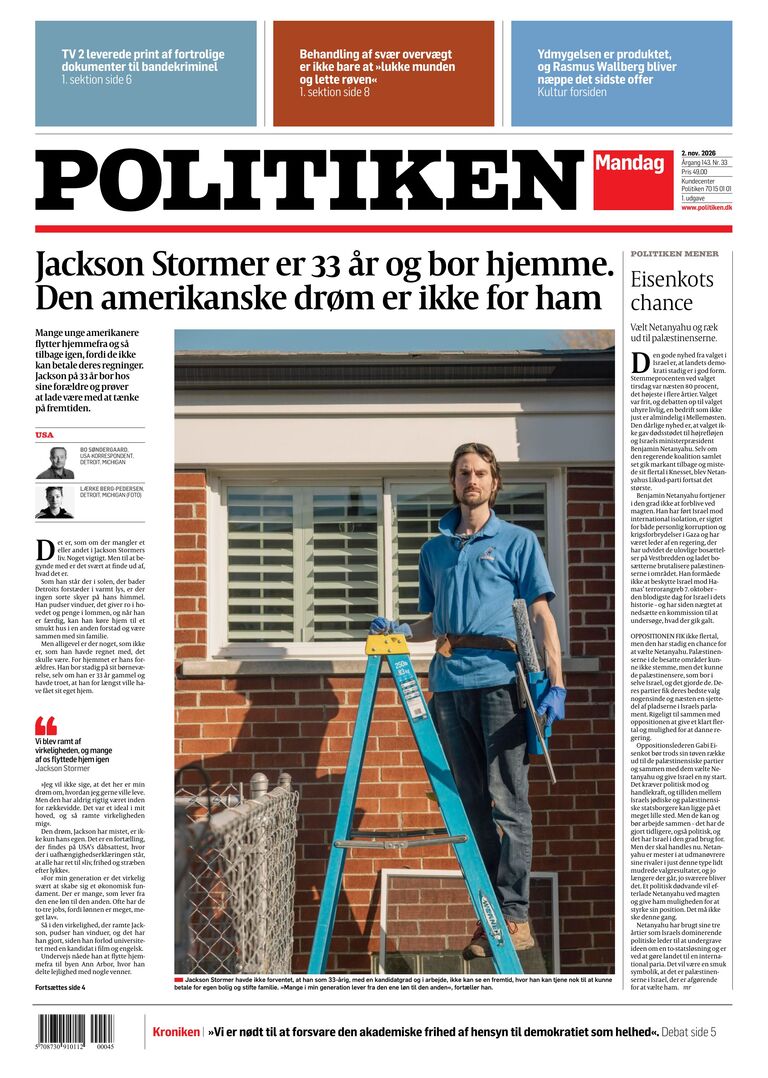
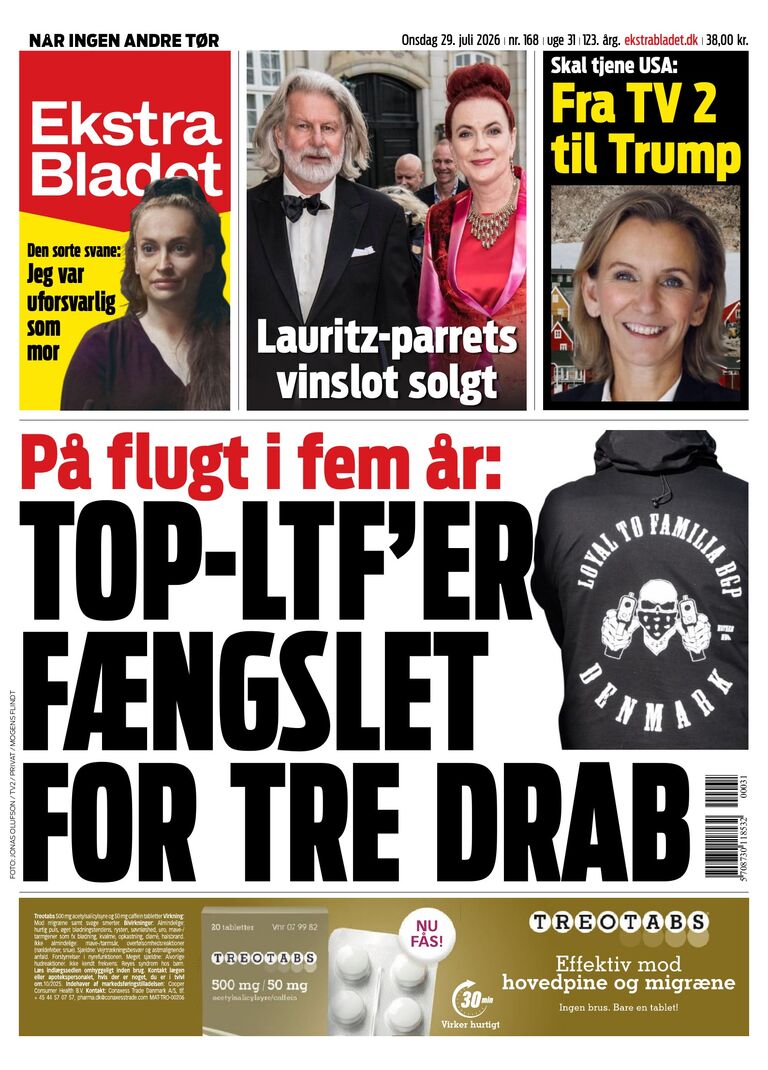
Welcome to Productionsservice at JP / Politikens Hus. Here you will find specifications of JP / Politikens Hus print products.

Declaration
Political Ads
The EU regulation on transparency and targeting of political advertising has entered into force.
The regulation aims to combat hidden influence campaigns that can mislead voters.
Here you can find a guide to get started and you can read more here
Labels for AI content in ads
The EU AI Regulation, which entered into force on 2 August 2026, requires companies to clearly state
if AI-generated content resembles real people, places or events and could be mistakenly perceived as truthful.
You can read more here, and possibly download icons for labelling
Production
Standard delivery of finished material.
We follow the Industry Standard and only accept files according to this.
The newspaper standard is called NewspaperAds-gwg2022_DK, which you can download at the link below.
- You must deliver a PDF/x4 with output intent: ISOnewspaper26v4.icc
- You can use our joboptions profile for InDesign: NewspaperAds-gwg2022_DK.joboptions
- Colors: All colors are defined as CMYK - RGB, SPOT and Pantone colors are not allowed
- Total color coverage: The darkness of all separations must not exceed 240%
- Resolution: The image resolution must be at least 180 dpi
- Fonts: All fonts must be included in the PDF. We recommend that you do not use positive fonts smaller than 8 points. On a colored background, on a negative background, you should only use grotesque fonts, at least 10 points
- Bleed and crop marks: None - the material is delivered at the ordered size
- PDF may only contain 1 page per advertisement.
- NOTE: The finished file should be MAX 10mb
Download installation files for correct PDF production
Click here and then download ICC profile and PDF settings.
Note: Some of these requirements cannot be met from Microsoft Word, Publisher or other alternative programs, but require a professional graphics program.
Standard delivery of finished material.
We follow the Industry Standard and only accept files according to this.
The magazine standard is called MagazineAds-gwg2015_DK, which you can download at the link below.
- Colors: All colors are defined as CMYK (icc profile is Euroscale Coated V2, standard profile in InDesign)
- Resolution: The image resolution must be at least 300 dpi
- Font: All fonts must be included in the PDF
- Trim: The trim box on the PDF file must be the finished page size
- Bleed and Crop marks: 3 mm bleed (crop) - crop marks are not a requirement
- NOTE: The finished file should be MAX 15mb
Download installation files for correct PDF production in the link below:
Click here and then download Pdf settings.
Note: Some of these requirements cannot be met from Microsoft Word, Publisher or other alternative programs, but require a professional graphics program.
There are 2 options to enrich ads with one hyperlink, (URL) it can be done directly in Adobe Indesign, acrobat pro. or via email with upload link.
1:
It requires you to install a plugin for Adobe Indesign or Adobe Arcobat.
It is only possible to create one link per ad, only works on Text ads - not Rubric ads, remember to write http:// or https:// in front of the URL
Link must not contain Æ, Ø, Å, #, & ? Etc. If your link is to be converted, you can use bitly.com, or other.
2:
Added: You will receive an email with an upload link, in the upload process you can attach a hyperlink, without a plugin.
Download installation files for hyperlink in the link below:
Click here and download the plugin.
You will receive an email with a link to upload ads.
File must be delivered in the format below.
- Format: Landscape: 2048 pixels, height 1536 pixels
- File type: PNG / JPG
- Size/kilobyte: max. 1 MB
- DPI: max 72
- URL: A URL / tracking link must be provided where the link should be linked to when clicking on the ad.
NOTE: On mobile, the ad is split in the middle and will be displayed as single pages, so it would be a good idea to create a design without text and other important messages across the middle.
If you have purchased inserts or native that will be included in Jyllands-Posten / Politiken / Ekstra bladet, or Jyllands-Posten's Local Newspapers, it is important that the insert is declared according to the attached guidelines
Read more about declaring inserts here
Read more about declaring native here
Read more about covers here
Read more about covers for Jyllands-Posten's Local Newspapers here
Sending Digital Insert
A combined PDF of the total number of pages must be sent, if there is to be *hyperlinks on the pages, it must be added before sending
File sent to
Jyllands-Posten / Din avis - materialer@jp.dk
Politiken - materialer@pol.dk
Ekstra-Bladet - materialer@eb.dk
*It is possible to place a link (URL) on a single page, all pages or several places on the same page, links are made in the programs you have available with the program's link function (no additional plugins are required)
Format overview
See format overview here:
Contact
If you have any questions, please feel free to contact us via the following
Jyllands-Posten
materialer@jp.dk
+45 8738 3687
Politiken
materialer@pol.dk
+45 3347 2400
Ekstra Bladet
materialer@eb.dk
+45 3347 2400